








 Google Workspace Overview
 Gmail
Gmail
 Google Calendar
 Google Drive
 Google Editors
 Google Docs
 Google Sheets
 Google Slides
 Google Forms
 Google Sites
 Google Keep
 Google Vids
 Google Chat
 Google Admin
 Endpoint Management
 Remote Desktop
 Looker Studio
 Apps Script
 Workspace Studio
 Vault
Vault AppSheet
 Gemini
 Gemini Notebook
 Pricing
 Google Cloud Overview
 Cloud Run
 Compute Engine
 Cloud Storage
 BigQuery
 Google Kubernetes Engine
 Looker
 Apigee API Management
 Cloud SQL
 Gemini Enterprise
 Cloud CDN
 Microsoft
365 Overview
Microsoft
365 Overview Microsoft Outlook
 Microsoft Teams
 Microsoft Excel
 Microsoft Word
 Microsoft OneDrive
 Microsoft PowerPoint
 Microsoft SharePoint
Google Workspace Everything You Need to Get Work Done.
Google Workspace gives your business professional email, file storage, and tools to work together online. It's the easiest way for growing companies in Uzbekistan to stay organized.
Helping businesses grow across Uzbekistan

Authorized Google Cloud Partner








Core Applications
 Gmail Corporate Email
  Meet Video Conferencing
  Chat Team Messaging
  Calendar Time Planning
  Drive Cloud Storage
  Docs Word Processor
  Sheets Spreadsheets & Analysis
  Slides Presentations
  Forms Surveys & Forms
  Sites Simple Websites
  Gemini for Business Smart AI Assistant
  Vids Video Creation



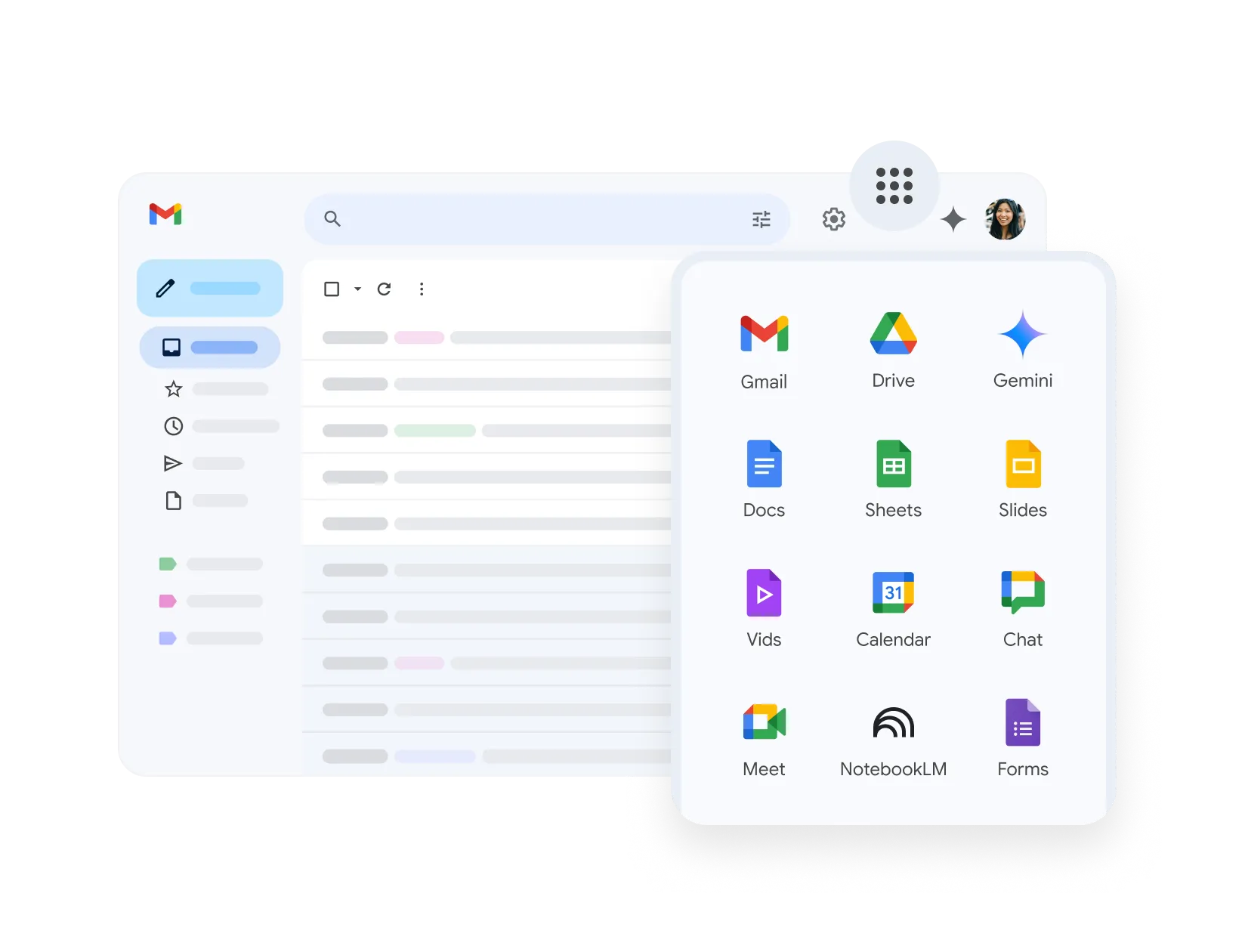
Professional Email for Your Team
Look more professional with an email address that matches your website (name@yourcompany.uz). Gmail keeps your inbox clean from spam and works perfectly on any phone.
- Email addresses with your company name
- Excellent protection against spam and viruses
- Smart suggestions to help you type faster
- Plenty of storage space for every employee
Organize Meetings Easily
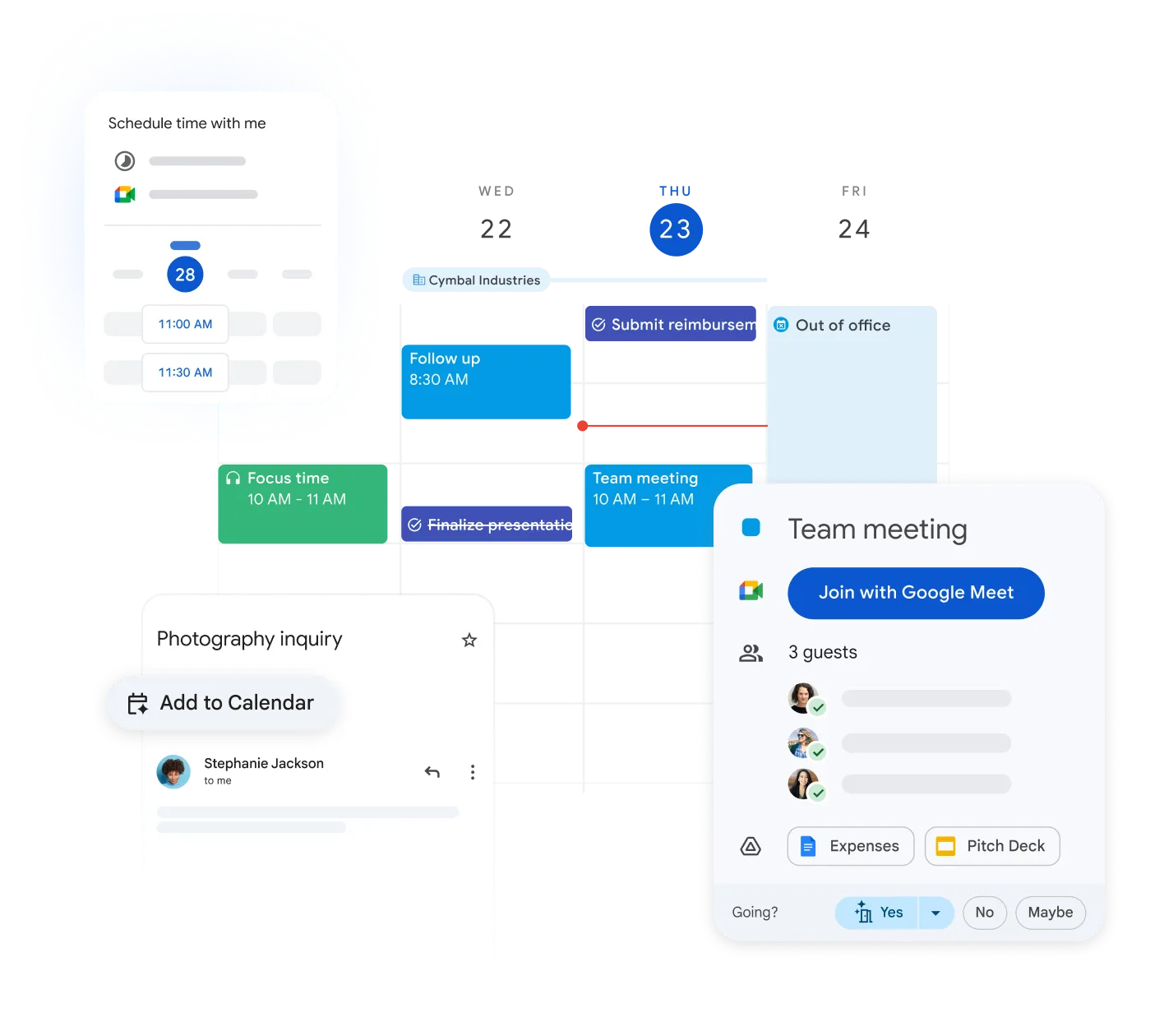
Stop guessing when people are free. Share calendars with your team to quickly find the best time to meet, and add video links with one click.
- See when your colleagues are available
- Get reminders before meetings start
- Share calendars for specific projects or teams

Keep Company Files Safe
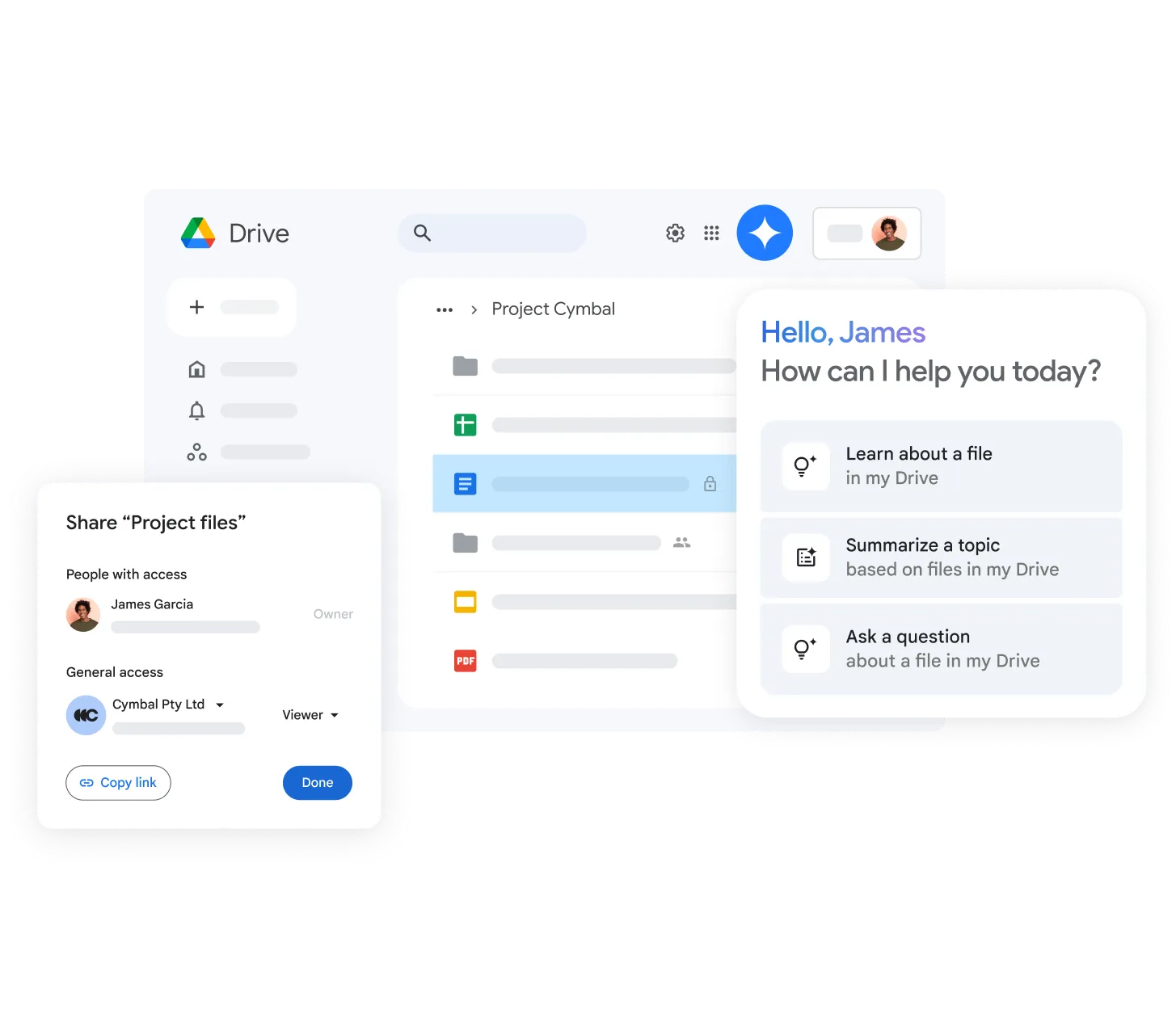
Store all your business documents in one secure place online. You can access your files from anywhere, and control exactly who is allowed to see or edit them.
- Create shared folders for different departments
- Control who can view, comment, or edit
- Access files from your computer or phone
- Your data is backed up automatically
Work on Files Together
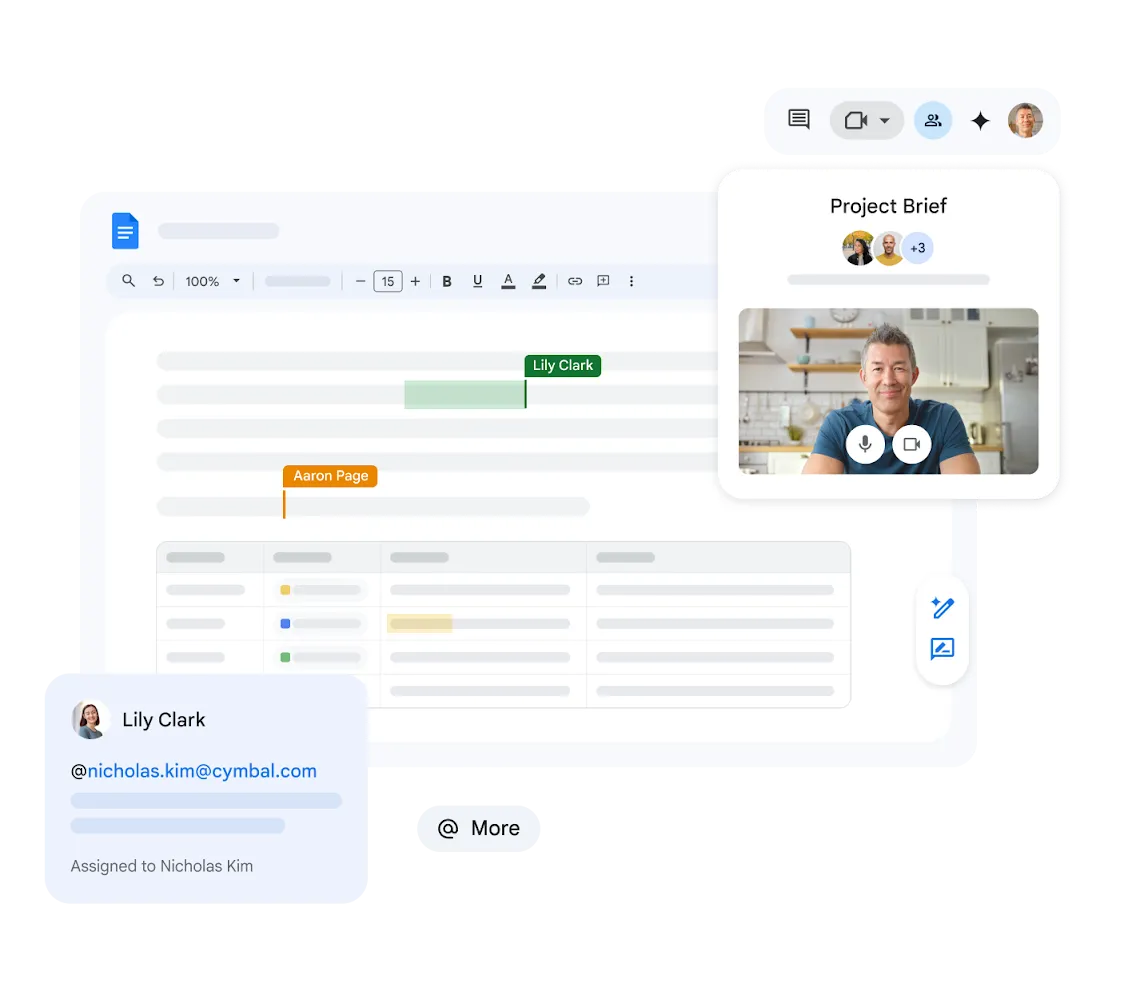
Use Docs, Sheets, and Slides to create files directly in your web browser. Multiple people can type in the same document at the same time without overwriting each other's work.
- Create text documents, spreadsheets, and presentations
- See what others are typing instantly
- Leave comments for your coworkers
- Never lose work with automatic saving


Simple Video Meetings
Talk face-to-face with your team or clients online. Google Meet is secure and easy to use - people can join your meeting just by clicking a link.
- Clear video calls that are safe and secure
- Show your screen to present documents
- Join easily from a computer or smartphone
Fast Communication for Your Team
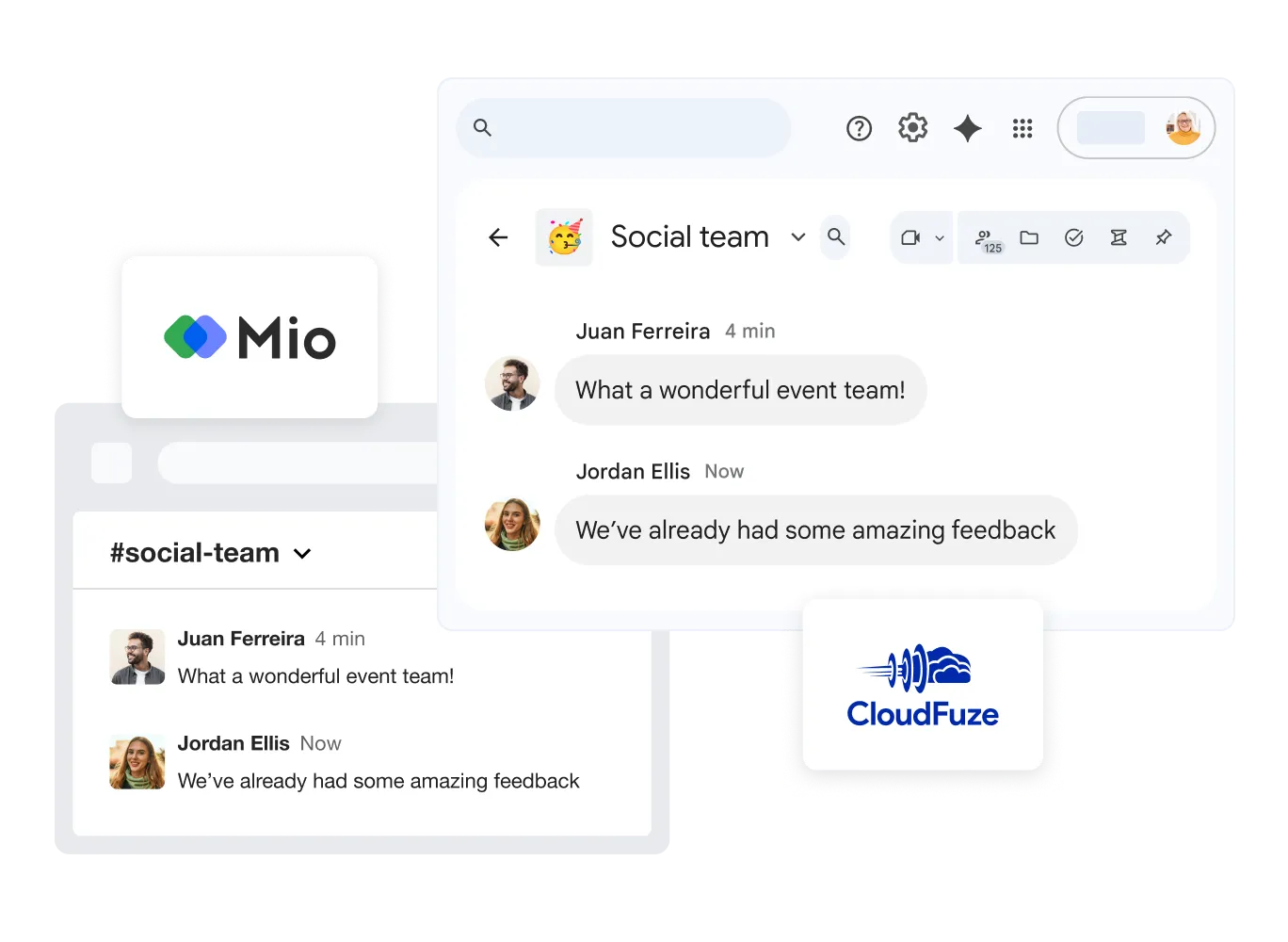
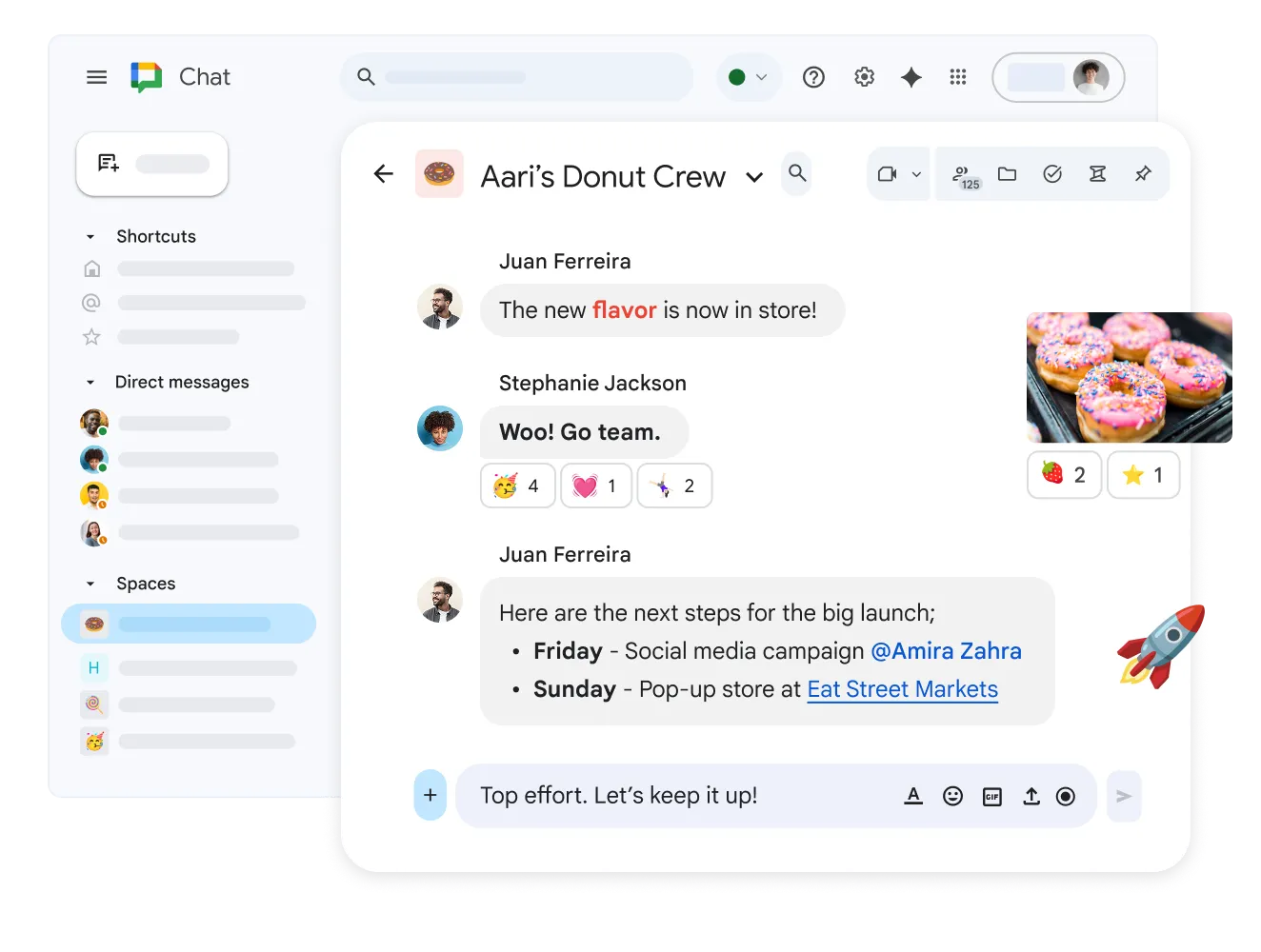
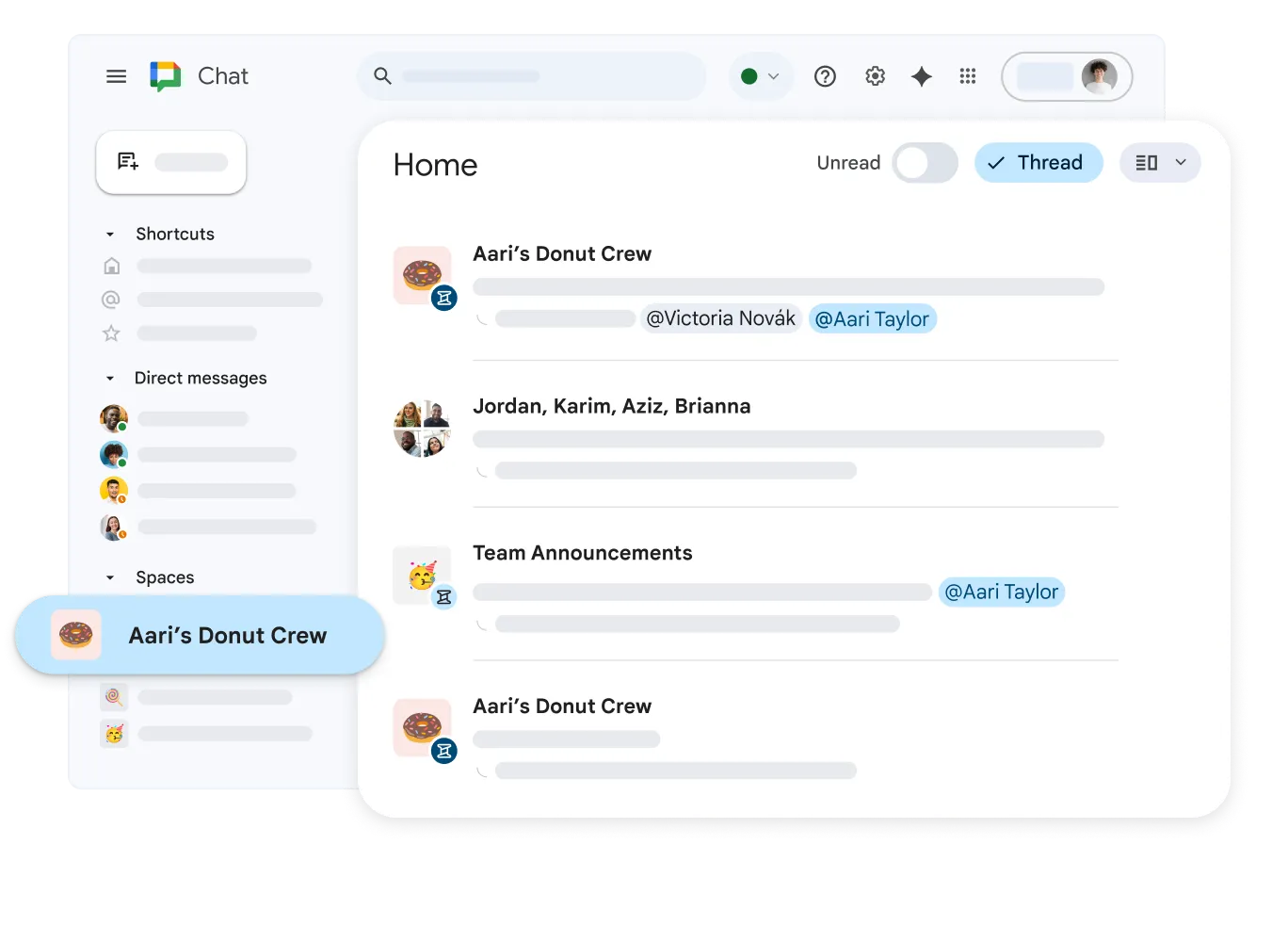
Give your team a professional place to chat instead of using personal messaging apps. Quickly ask questions, share files, and organize conversations.