







 Google Workspace Overview
 Gmail
Gmail
 Google Calendar
 Google Drive
 Google Editors
 Google Docs
 Google Sheets
 Google Slides
 Google Forms
 Google Sites
 Google Keep
 Google Vids
 Google Chat
 Google Admin
 Endpoint Management
 Remote Desktop
 Looker Studio
 Apps Script
 Workspace Studio
 Vault
Vault AppSheet
 Gemini
 Gemini Notebook
 Pricing
 Google Cloud Overview
 Cloud Run
 Compute Engine
 Cloud Storage
 BigQuery
 Google Kubernetes Engine
 Looker
 Apigee API Management
 Cloud SQL
 Gemini Enterprise
 Cloud CDN
 Microsoft
365 Overview
Microsoft
365 Overview Microsoft Outlook
 Microsoft Teams
 Microsoft Excel
 Microsoft Word
 Microsoft OneDrive
 Microsoft PowerPoint
 Microsoft SharePoint
AI Makes the Video
The generative AI in Google Vids drafts storyboards and scripts in a matter of seconds.
Turn a plain document or a routine email update into a video worth watching, even with zero editing experience.
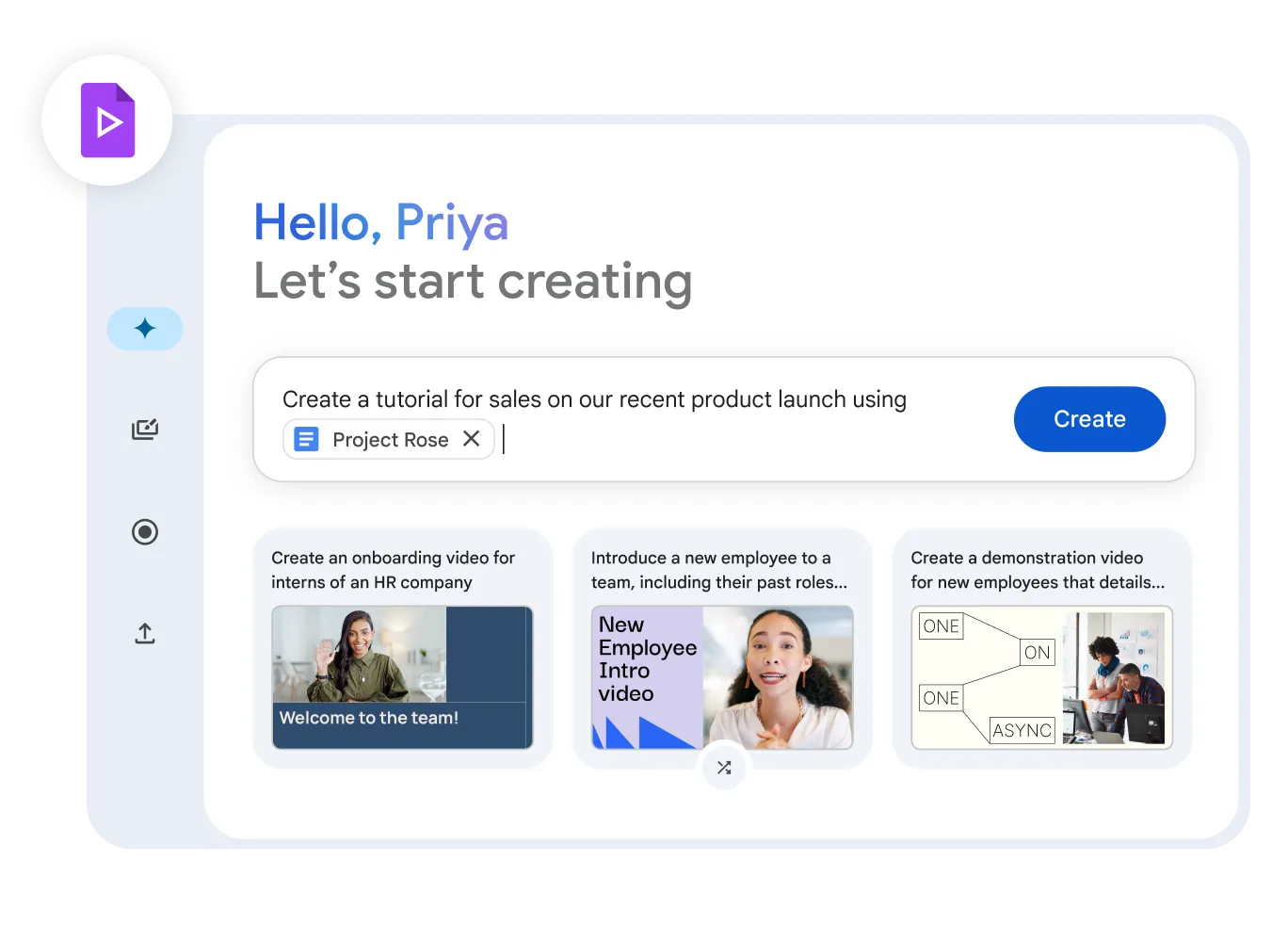
Create Engaging Video Content
Google Vids helps you generate compelling video content. Use ready-made templates, AI recommendations, and a simple editor to produce professional videos - no experience required.
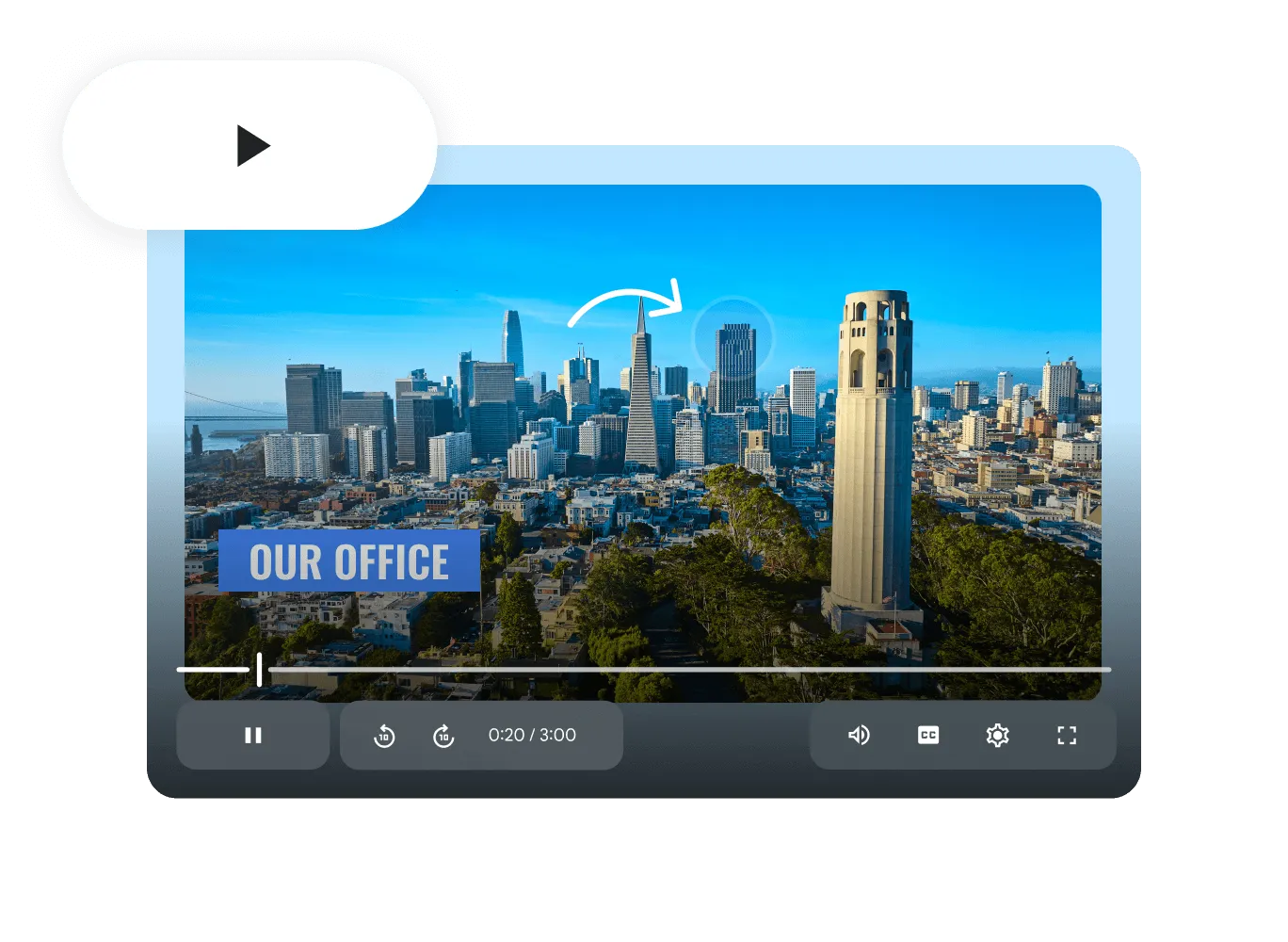
Customizable Video Presentations
Tailor your video presentations with branding elements, layouts, and interactive activities. Deliver personalized messages directly from Google Workspace.
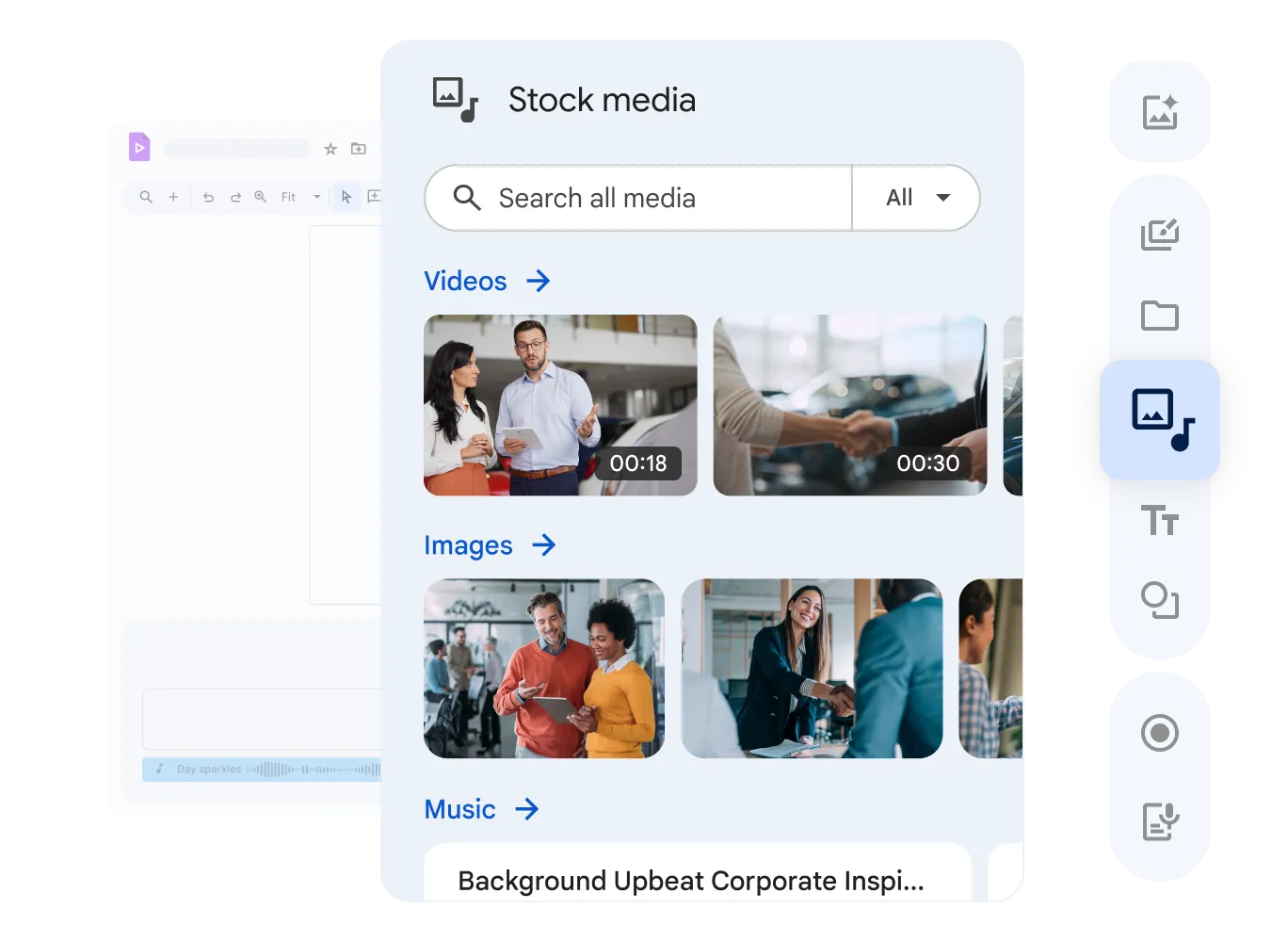
Edit Together on the Timeline
Just like Google Docs, several teammates can shape the timeline at once, drop comments, and tweak the script together.
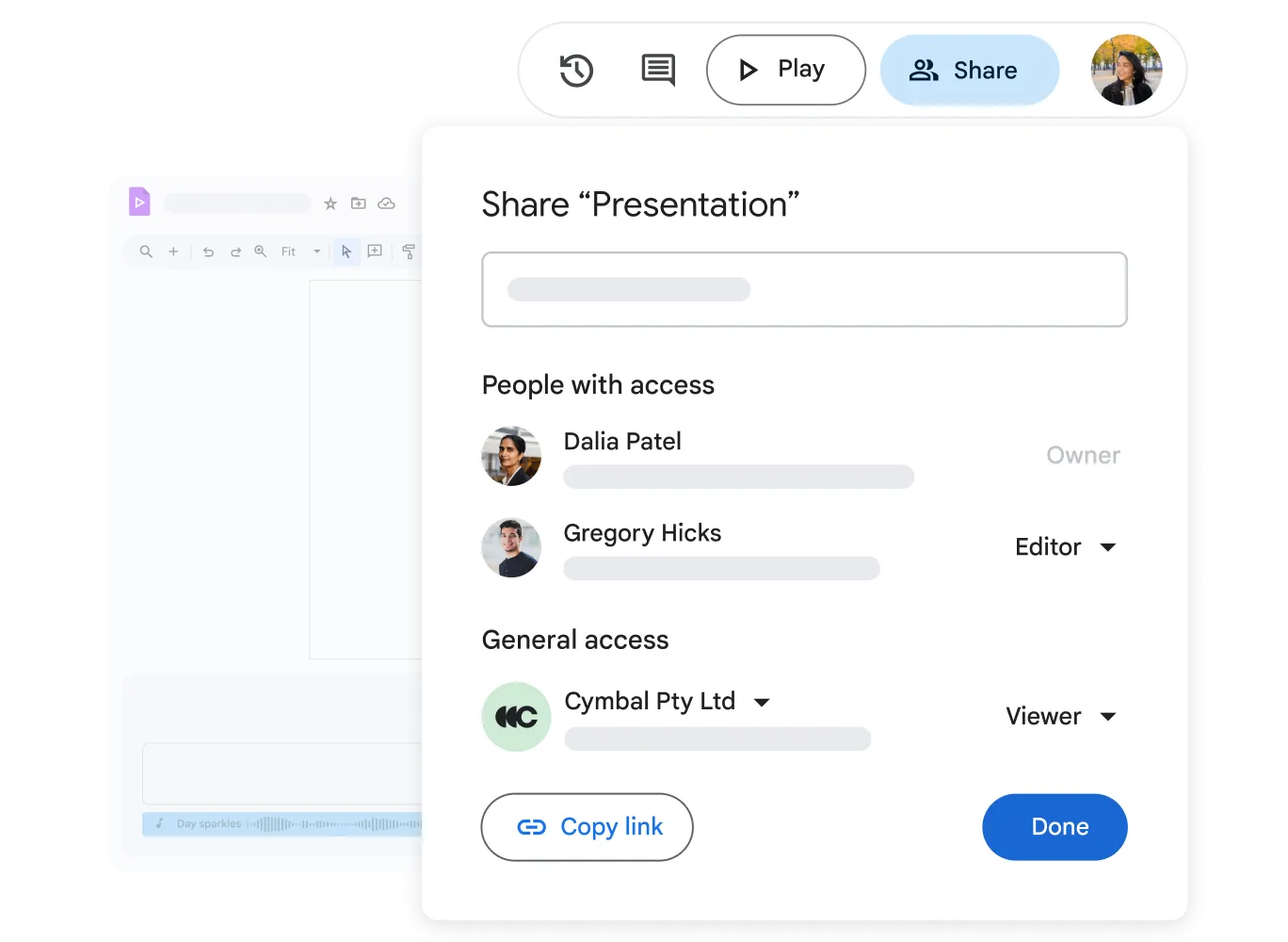
Boost Productivity with Integrated Tools
Fully integrated with Google Drive for secure storage and easy retrieval of all your video assets in your work environment.
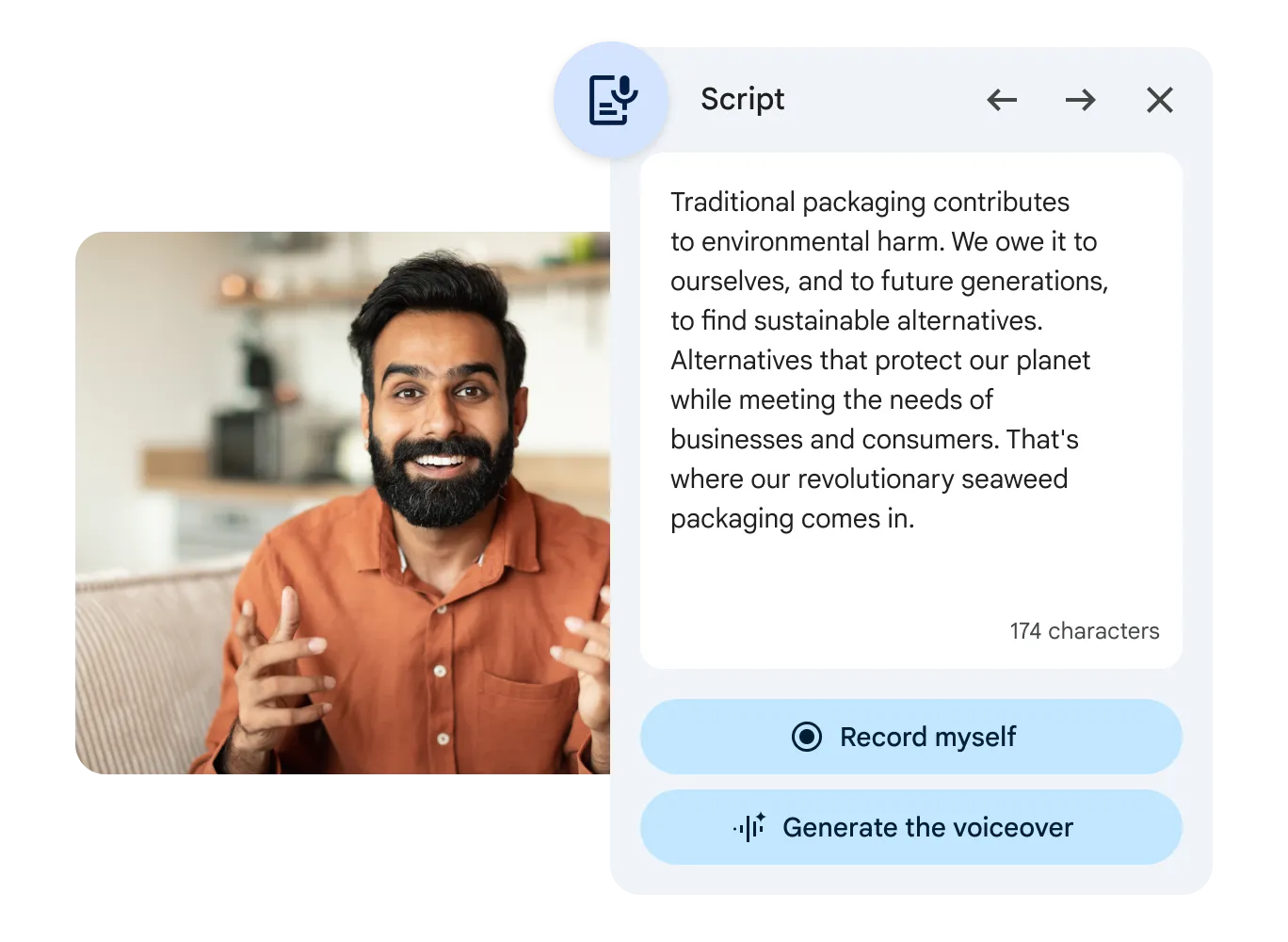
- AI-Powered Videos
- Describe what you want to see and AI helps assemble the first draft - powered by Gemini.
- Simplified Editing
- Edit videos quickly with an intuitive timeline and tools. Easy for beginners and experienced professionals alike.
- Business Templates
- Hit the ground running with templates for HR onboarding, sales pitches, and project updates.
Questions About Google Vids
Google Vids
No. Google Vids works entirely in the browser, so it runs smoothly with no pricey hardware or setup.
Yes. Upload your logos, colors, and custom fonts, and every video stays on brand.
Vids is arriving on select Workspace tiers, including Business Standard, Plus, and Enterprise plans.
Export an MP4, or just share a secure Drive link and colleagues watch it straight away in the browser.
Refresh How Your Company Communicates
Geosoft helps growing companies bring in new AI tools securely.