





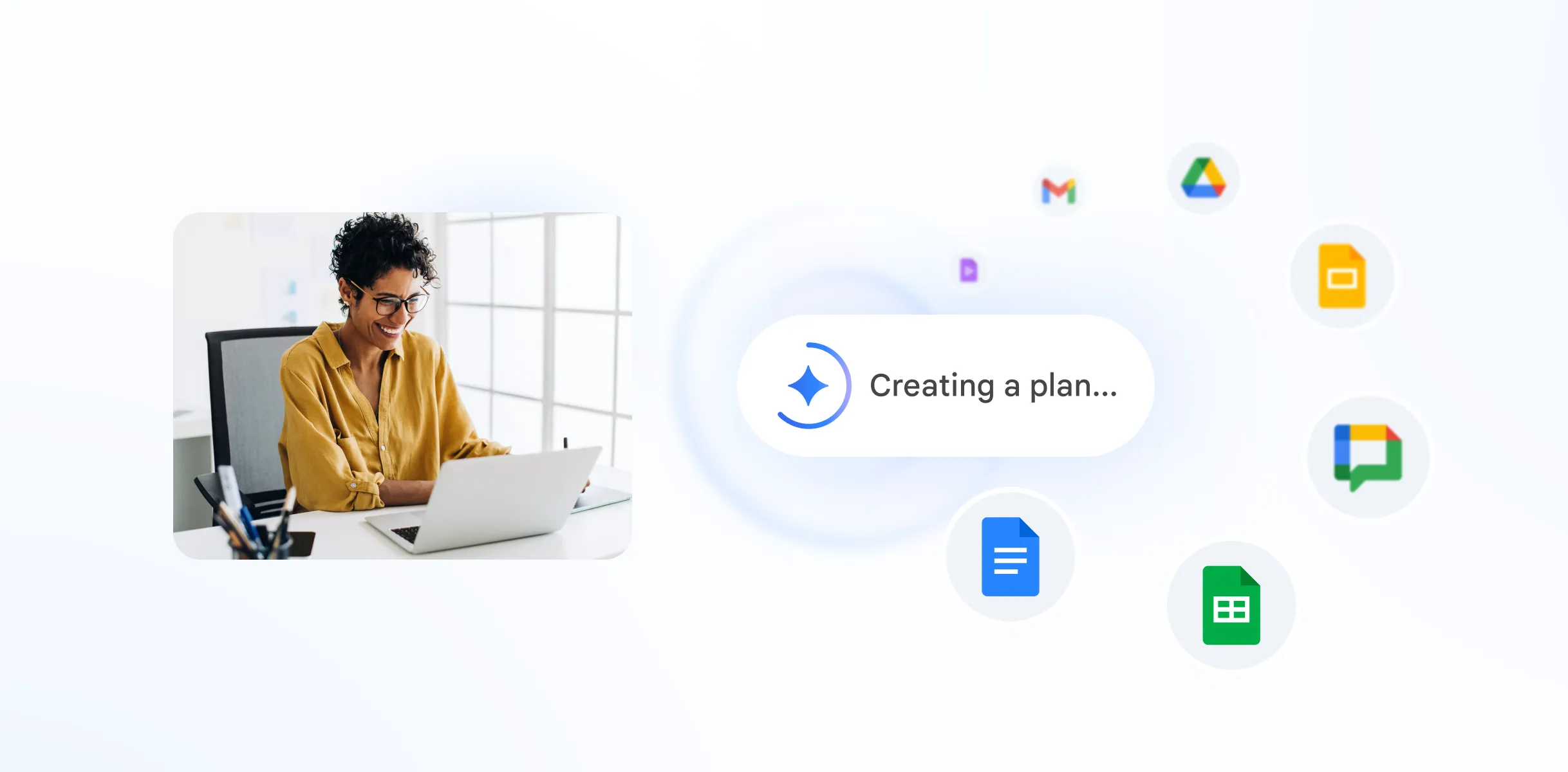

 Google Workspace Overview
 Gmail
Gmail
 Google Calendar
 Google Drive
 Google Editors
 Google Docs
 Google Sheets
 Google Slides
 Google Forms
 Google Sites
 Google Keep
 Google Vids
 Google Chat
 Google Admin
 Endpoint Management
 Remote Desktop
 Looker Studio
 Apps Script
 Workspace Studio
 Vault
Vault AppSheet
 Gemini
 Gemini Notebook
 Pricing
 Google Cloud Overview
 Cloud Run
 Compute Engine
 Cloud Storage
 BigQuery
 Google Kubernetes Engine
 Looker
 Apigee API Management
 Cloud SQL
 Gemini Enterprise
 Cloud CDN
 Microsoft
365 Overview
Microsoft
365 Overview Microsoft Outlook
 Microsoft Teams
 Microsoft Excel
 Microsoft Word
 Microsoft OneDrive
 Microsoft PowerPoint
 Microsoft SharePoint
 Google Calendar
Google Workspace
Google Calendar
Google Workspace
Scheduling That Keeps Up with You
Stay on top of busy days with a calendar made for teamwork.
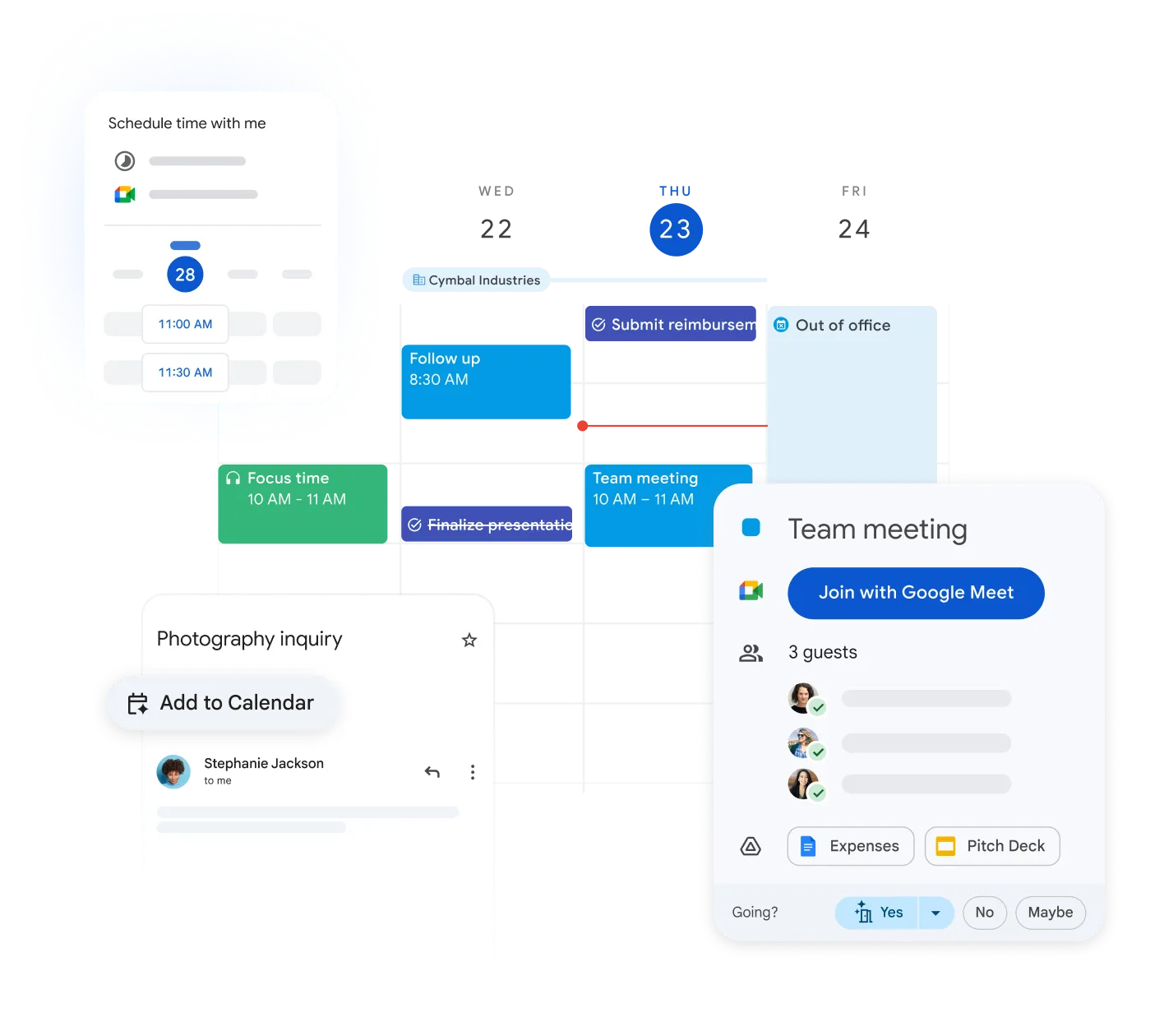
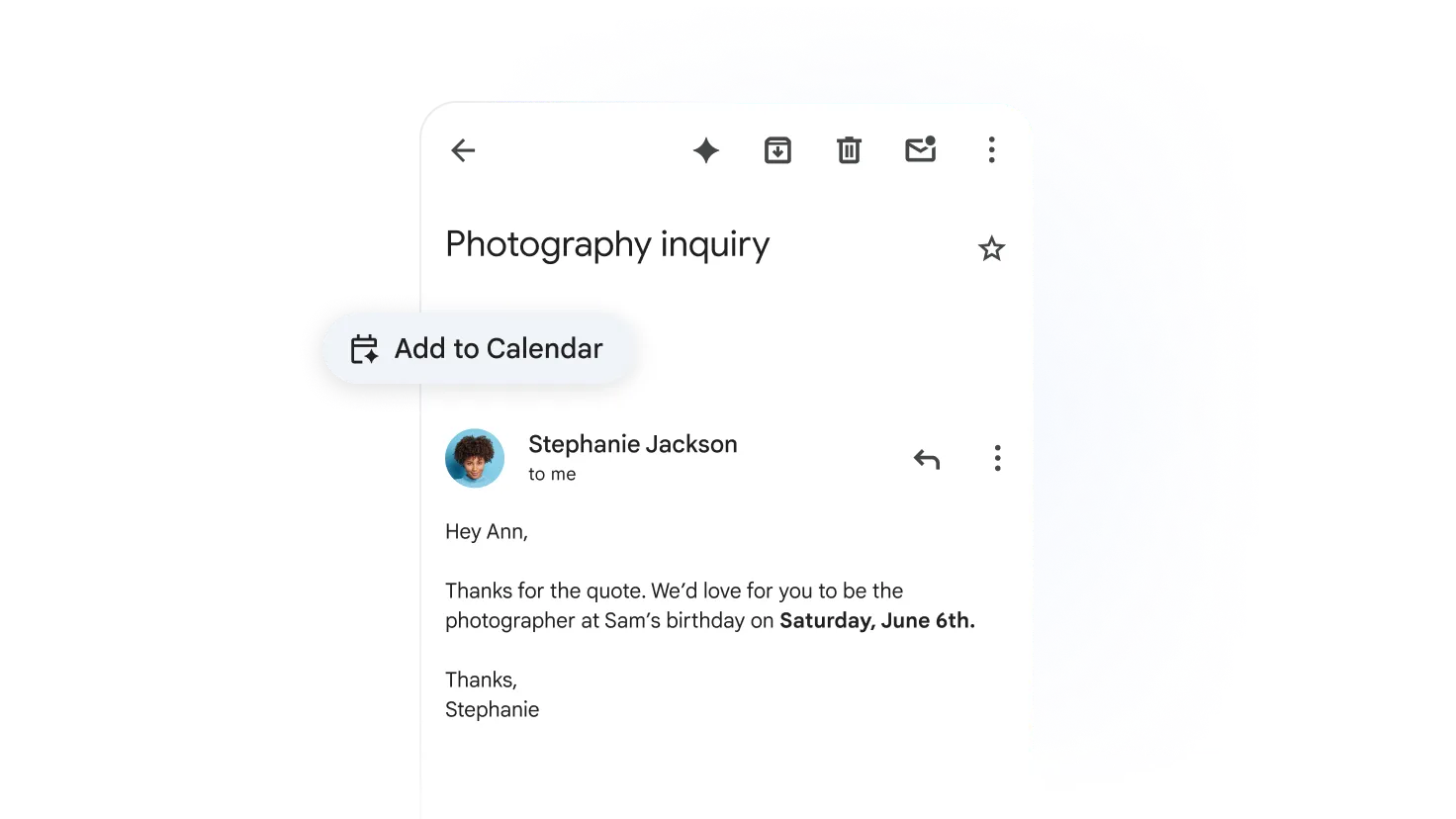
Because it plugs into Gmail and Meet, pinning down a time to meet no longer slows you down.
Easy Team Collaboration with Shared Calendars
Improve teamwork by sharing calendars. Your colleagues can see your available time and schedule meetings without conflicts.
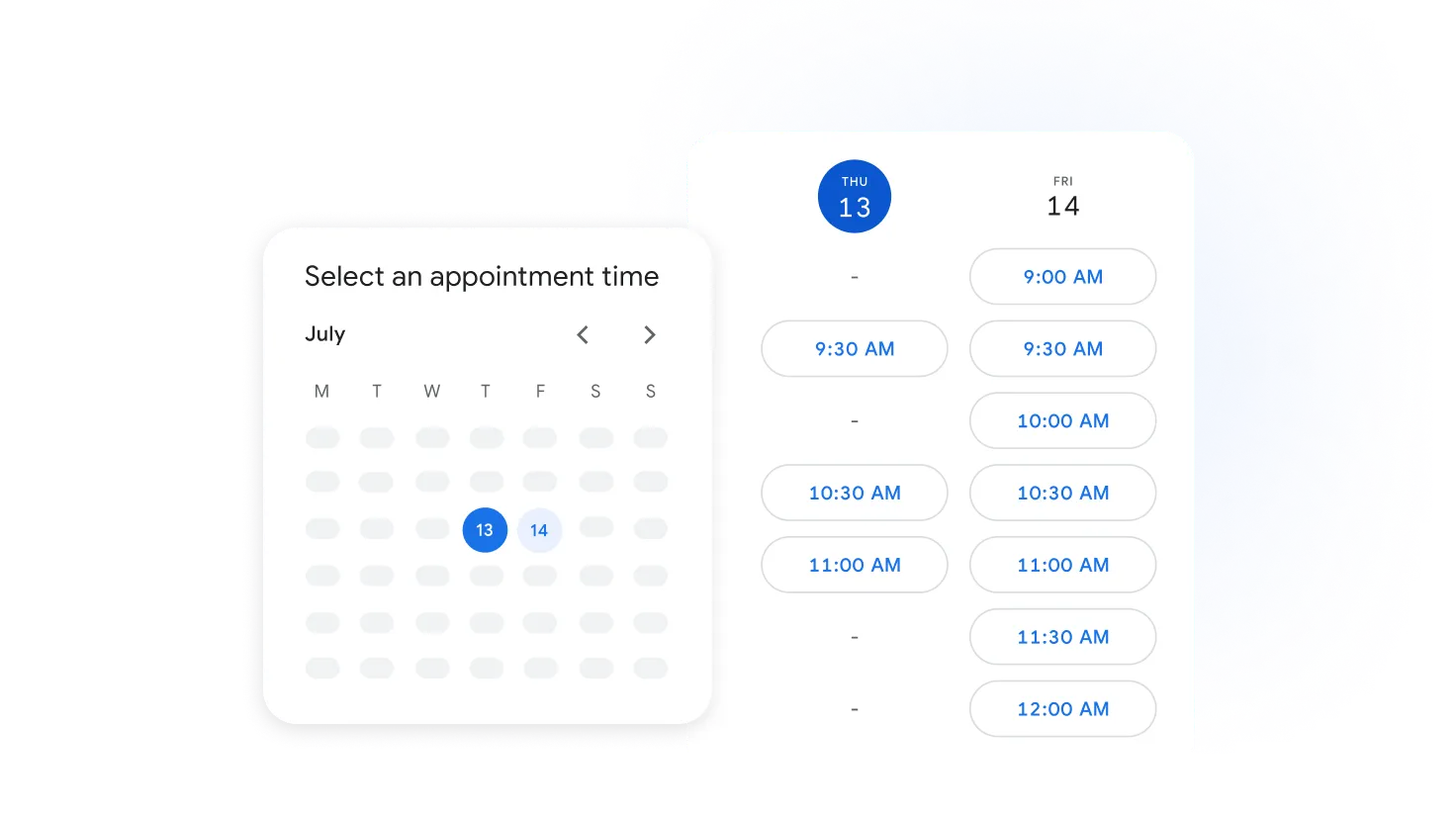
Access Your Calendar Anytime, Anywhere
Join business meetings from any device. Google Calendar ensures you're always up to date, whether you're in the office or on the go.
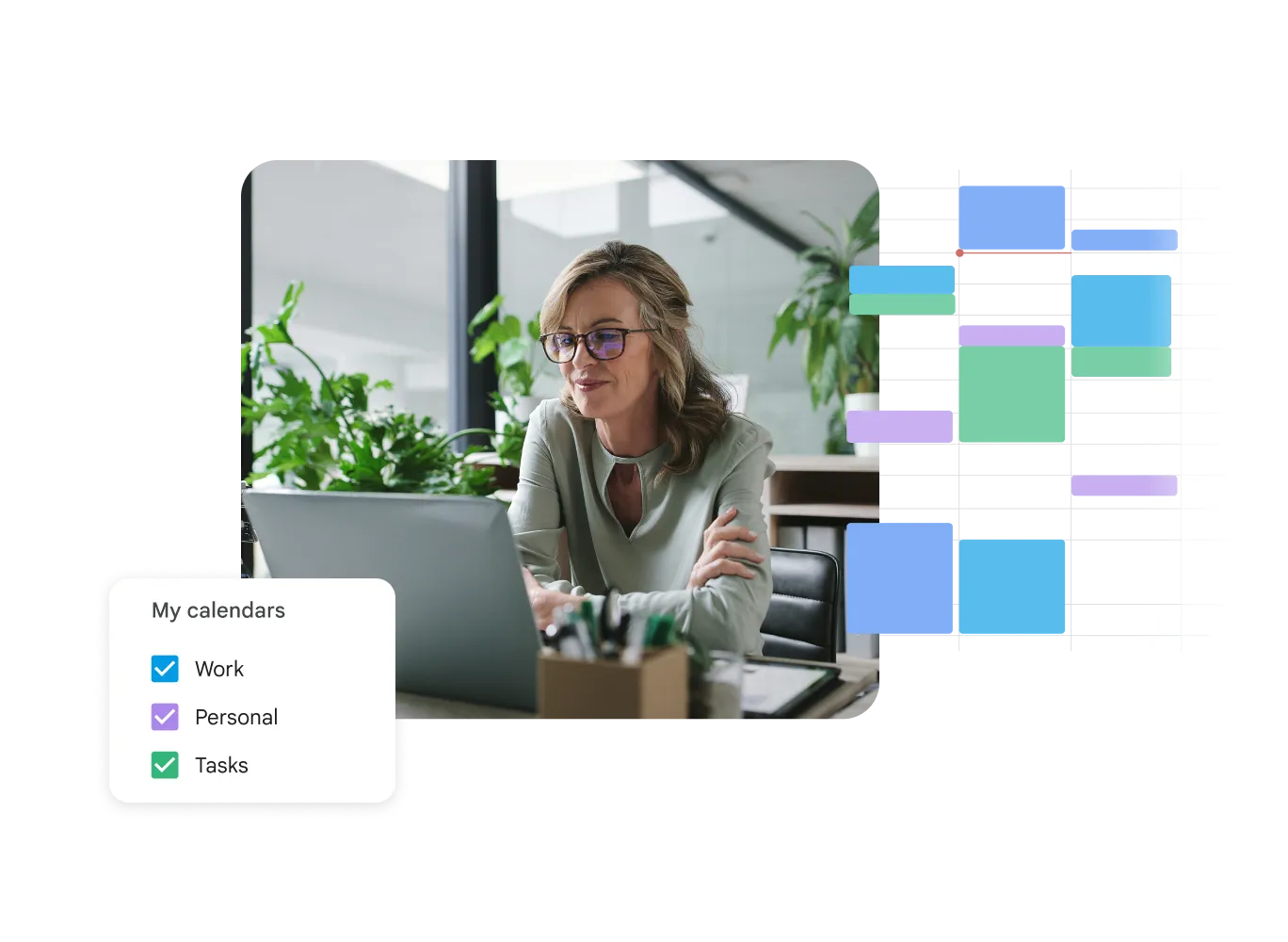
Plays Nicely with Your Tools
Add an event and it spins up a video meeting link too; when it's time, joining is one click away.
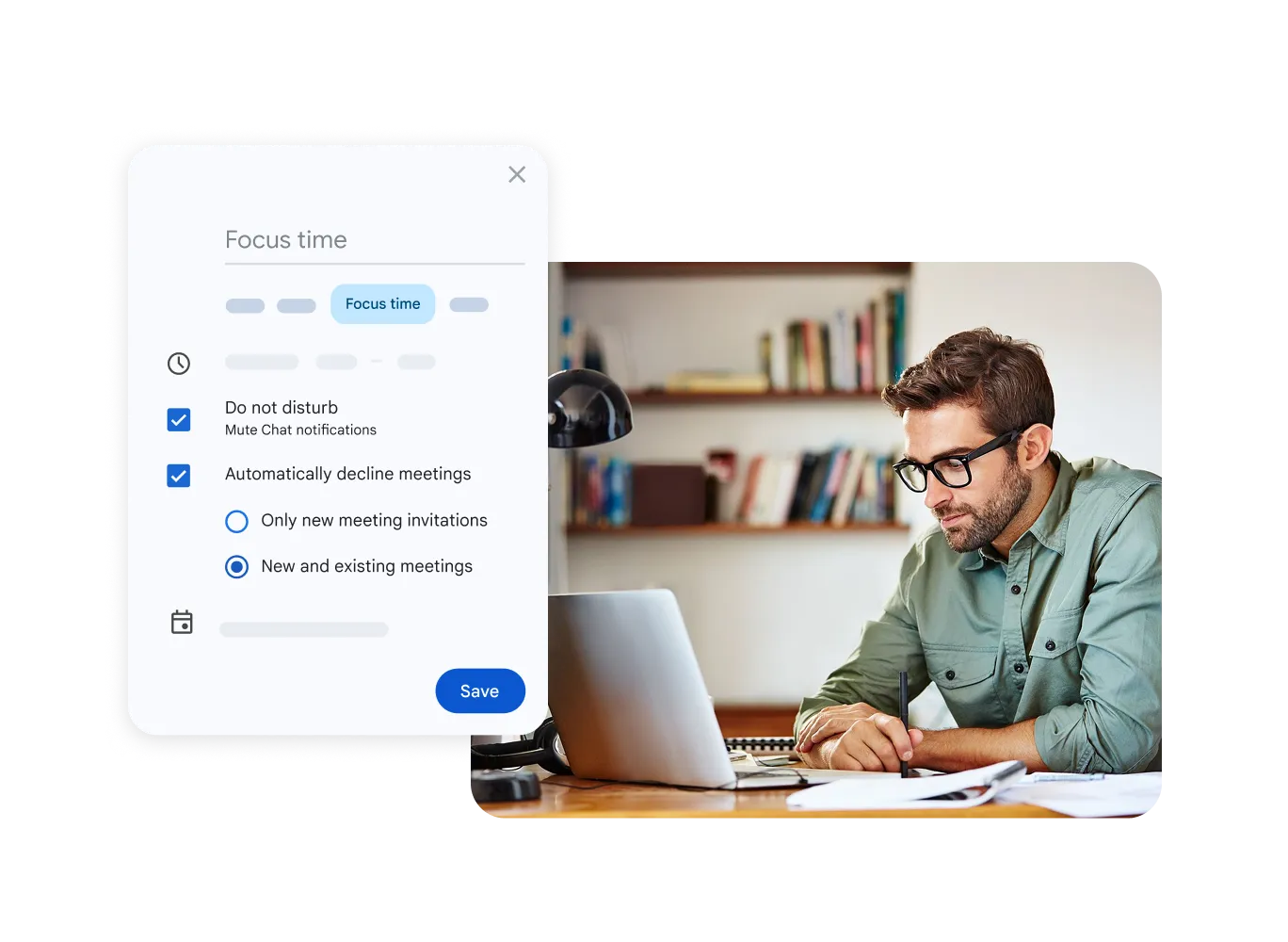
Smart Reminders - Never Miss Anything
Set timely reminders to attend all your meetings on schedule. Customize notifications to your needs to simplify your day.
Improved Coordination
Shared calendars make time management between team members easier, enabling effortless meeting scheduling.
Direct Video Calls
Create a Google Meet video conference link directly from Google Calendar with a single click.
Universal Access
Access your calendar from any smartphone, tablet, or computer and manage meetings in real time.
Calendar Questions
Google Calendar · Google Workspace
Yes. Geosoft moves your earlier calendar events across from Outlook or other platforms.
It's up to you - keep it private, show just 'free/busy', or share the full event details.
Easily. It shifts event times by itself to match whatever time zone you're in.
Yes. You can sync Google Calendar with Microsoft Outlook using GWSMO (Google Workspace Sync for Microsoft Outlook).
Keep Your Business Well Organized
Geosoft sets it up and trains your team as your company modernizes.