








 Google Workspace Overview
 Gmail
Gmail
 Google Calendar
 Google Drive
 Google Editors
 Google Docs
 Google Sheets
 Google Slides
 Google Forms
 Google Sites
 Google Keep
 Google Vids
 Google Chat
 Google Admin
 Endpoint Management
 Remote Desktop
 Looker Studio
 Apps Script
 Workspace Studio
 Vault
Vault AppSheet
 Gemini
 Gemini Notebook
 Pricing
 Google Cloud Overview
 Cloud Run
 Compute Engine
 Cloud Storage
 BigQuery
 Google Kubernetes Engine
 Looker
 Apigee API Management
 Cloud SQL
 Gemini Enterprise
 Cloud CDN
 Microsoft
365 Overview
Microsoft
365 Overview Microsoft Outlook
 Microsoft Teams
 Microsoft Excel
 Microsoft Word
 Microsoft OneDrive
 Microsoft PowerPoint
 Microsoft SharePoint
Analyzing Data as a Team
In Google Sheets your finance and operations people can all study the same dataset together, and nobody locks anyone out of the file.
Changes show up live, you set filter views just for yourself, and the numbers get hashed out in comments.
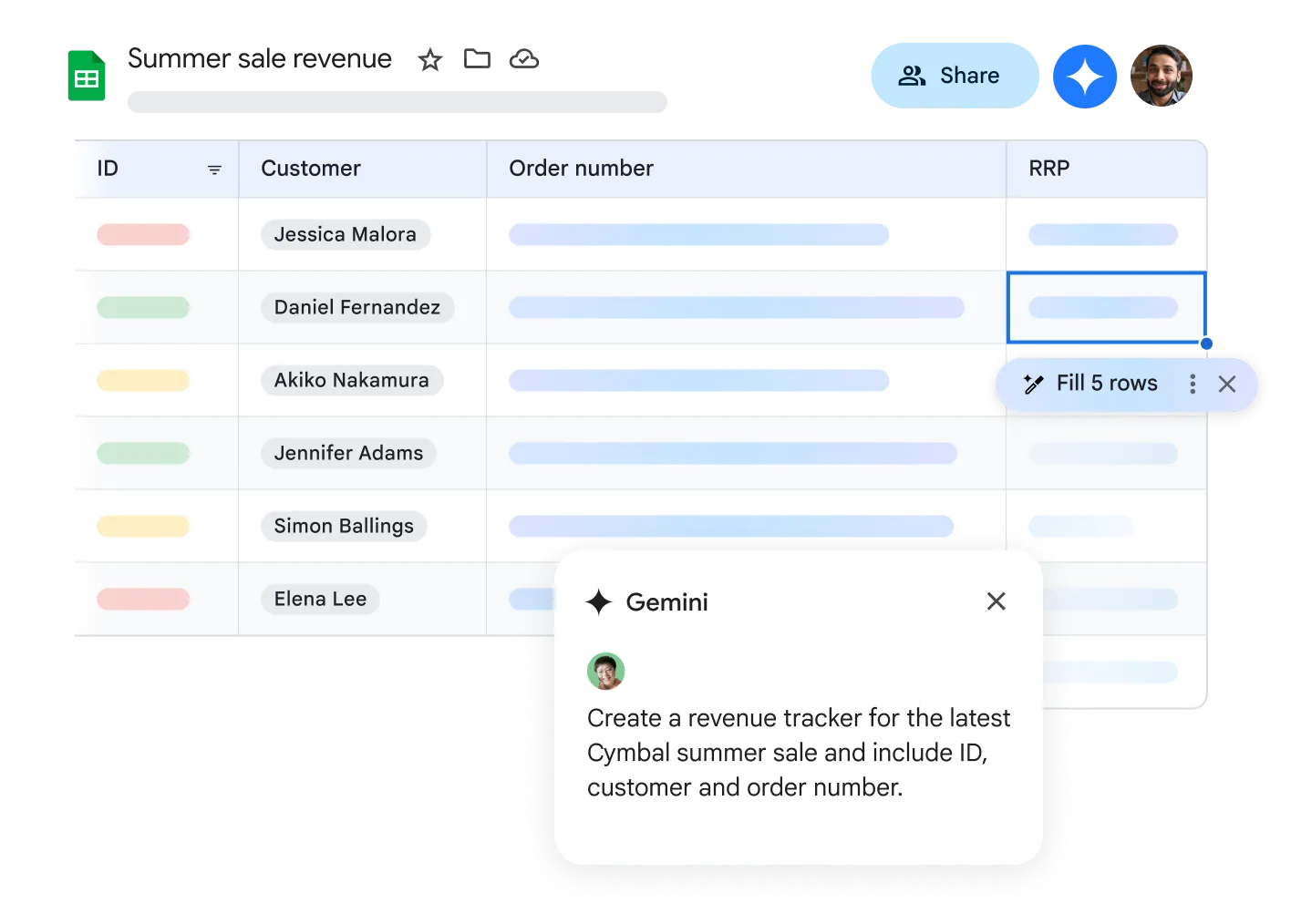
Access and Analyze from Anywhere
With Google Sheets, you can access your spreadsheets from any internet-connected device. The offline mode keeps you productive even without an internet connection.
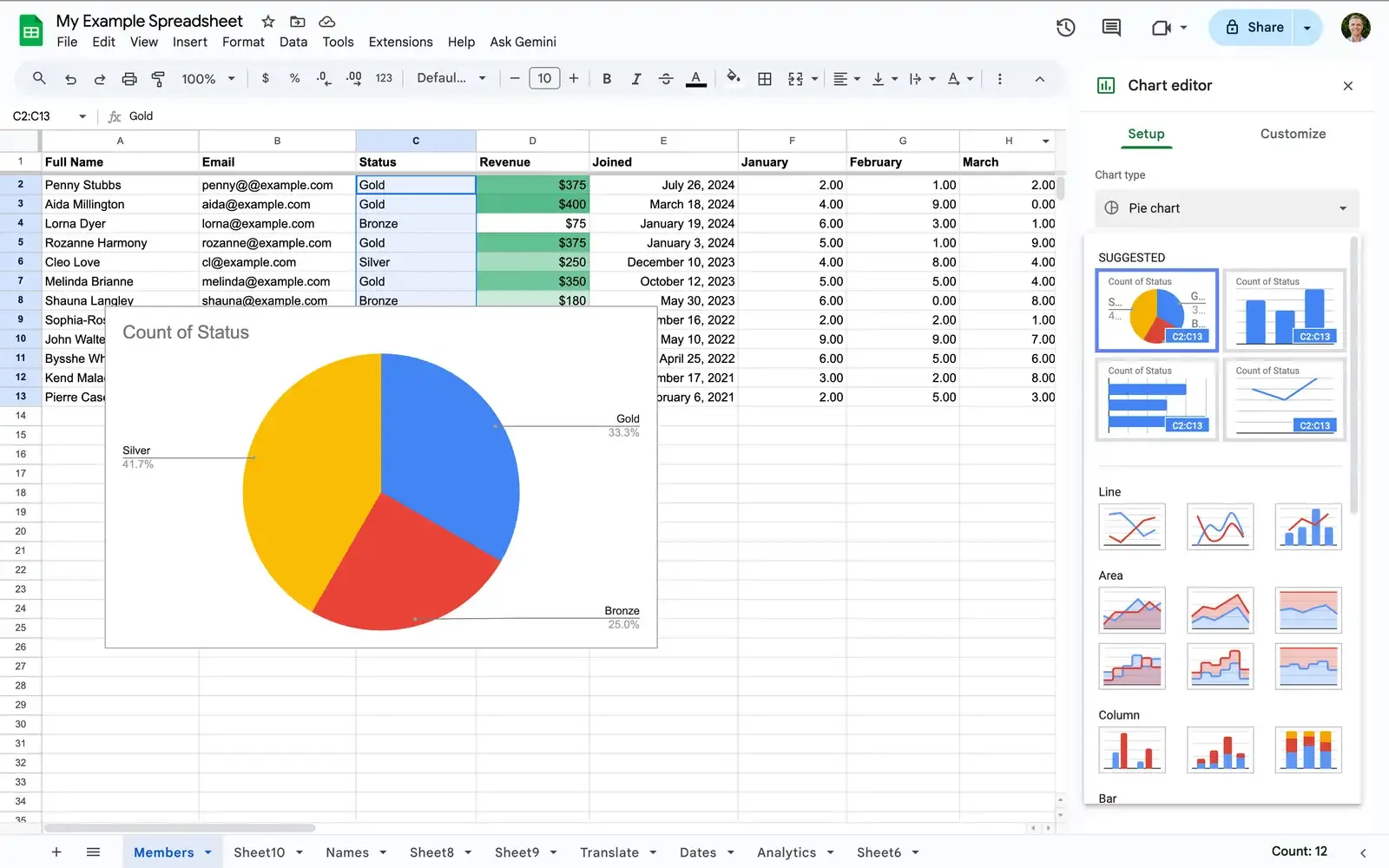
Seamless Google Workspace Integration
Google Sheets works seamlessly with other Google services. Store files in Drive, use Forms for automatic data collection, or embed spreadsheets directly into Docs and Slides.
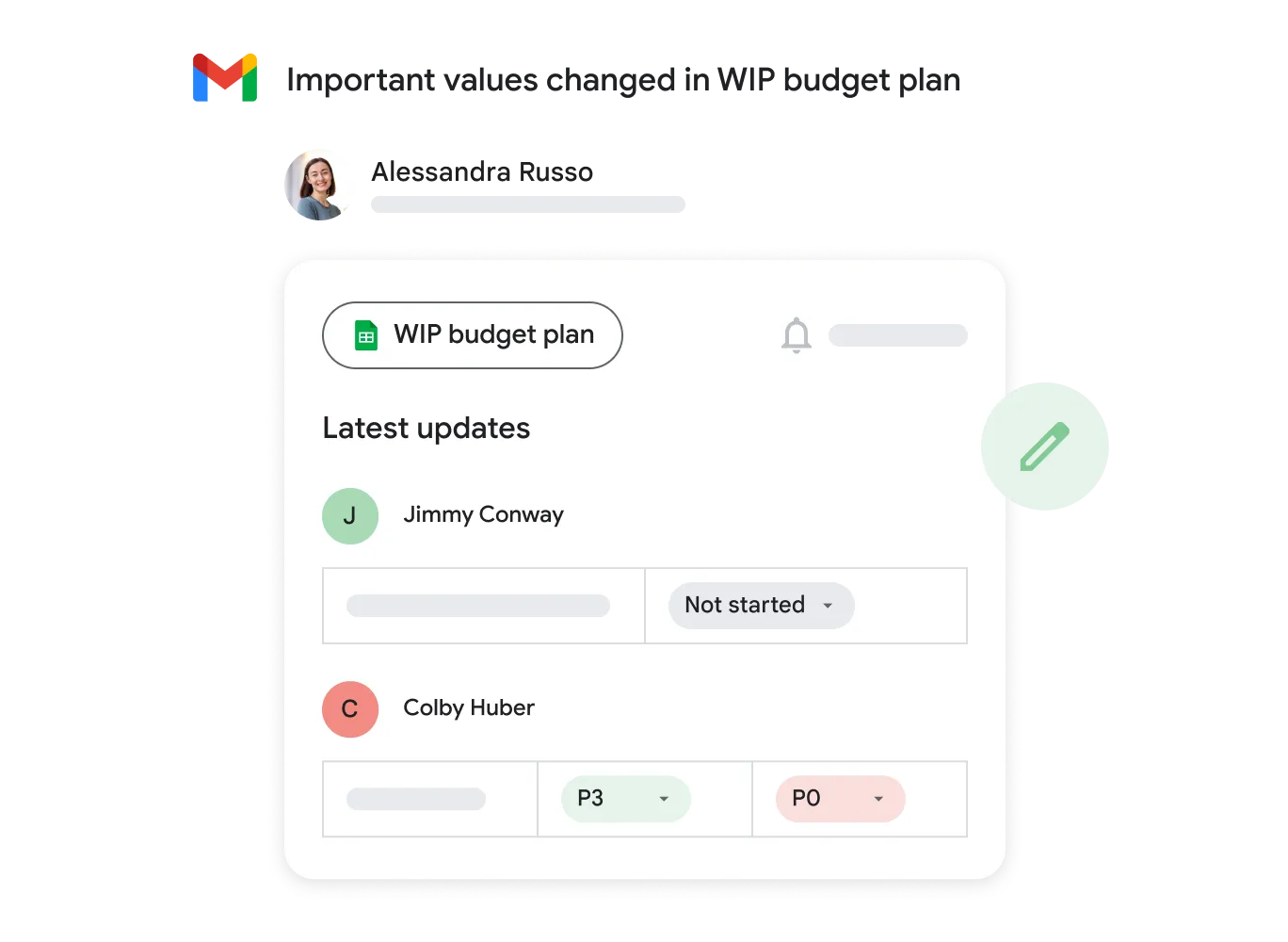
Powerful Data Security
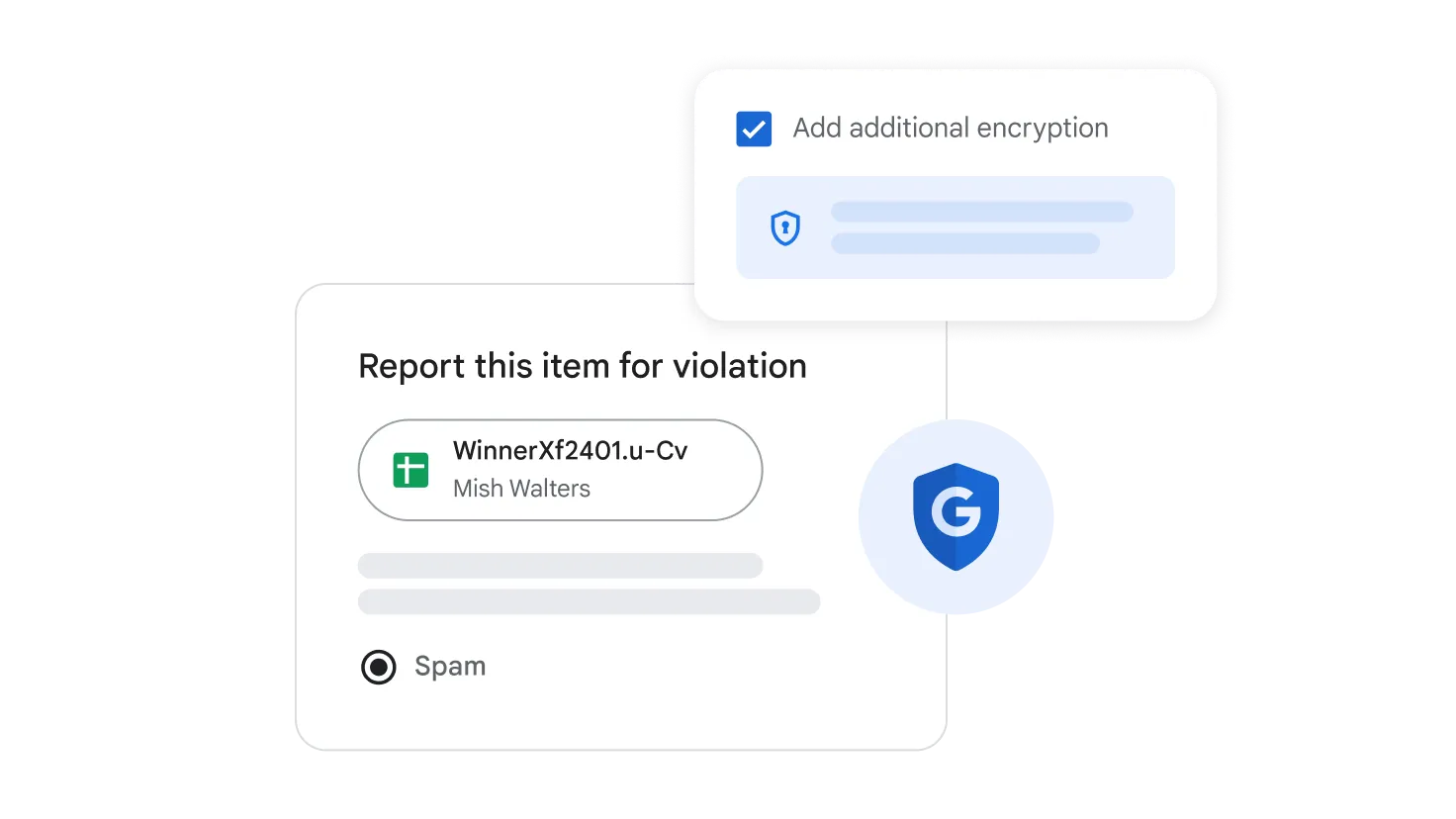
Keep your data protected with Google's industry-leading security standards. Control access, set permissions at the cell, column, or sheet level, and protect sensitive information.
Native Excel Compatibility
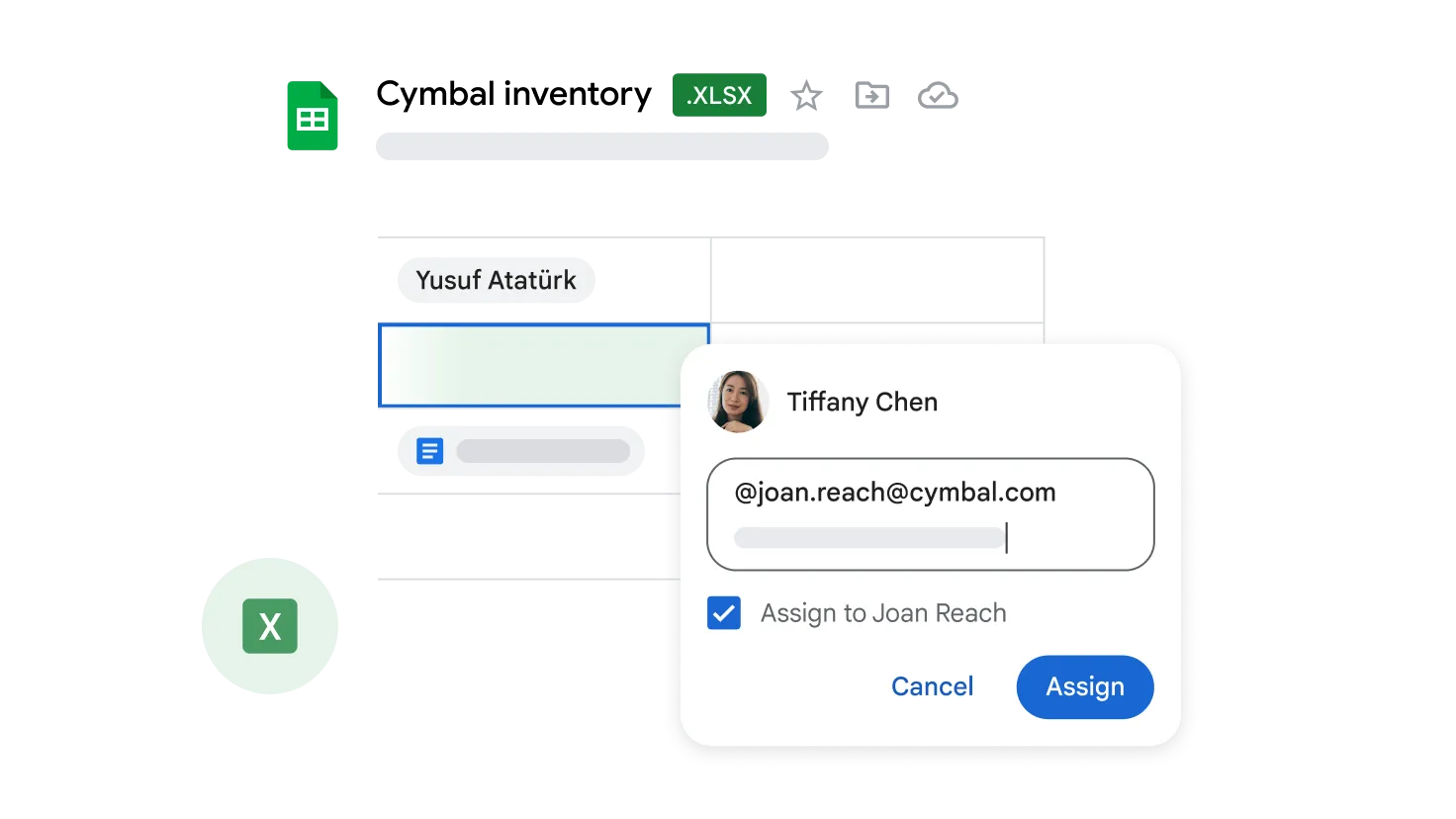
Excel (.xlsx) files slot straight in and back out, and you can keep editing them inside Sheets without ever converting the file.
- Real-Time Collaboration
- Work together on online spreadsheets. See changes instantly with comments placed directly in cells.
- Smart Functions & Formulas
- Hundreds of built-in formulas, Pivot Tables, and AI-powered Smart Fill for pattern recognition.
- Cross-Device Access
- Skim the important dashboards in the Sheets mobile app just before a meeting.
Questions About Sheets
Google Sheets
It is - because it lives in the cloud, you get collaboration in real time, updates that arrive on their own, and a direct tie to BigQuery once your data gets big.
Yes. A quick macro handles the basics, and Google Apps Script takes on the bigger workflows and links up with outside APIs.
Version History spells out who touched what and rolls the sheet back to any earlier moment in a single click.
Sure - lock the ranges that matter, hide sheets you don't want seen, or flip the whole file to view-only for certain people.
Level Up Your Analytics
Geosoft rolls out and trains your team on Google Workspace as your company modernizes.